
There is a distinct moment of friction that happens the first time someone tries to animate a static image. You upload a perfectly composed photograph, expecting the subject to simply walk forward or the leaves to rustle gently. You hit generate.
What comes back might be exactly that. Or, it might be a surreal interpretation where the background melts into the foreground, or the subject moves in a way physics never intended.
This is the reality of the modern Image to Video AI workflow. It is less about “directing” a scene in the traditional sense and more about collaborating with a system that interprets pixels with varying degrees of creative license. For creators, marketers, and digital experimenters, the promise of turning a single Photo to Video is incredibly alluring. It suggests a world where content volume is unlimited and asset production is instant.
But between the promise and the final export lies a practical learning curve. It isn’t difficult to press a button, but it takes genuine patience to understand how these tools “think” and how to get a usable result that doesn’t just look like a tech demo.
The “One-Click” Myth vs. The Iterative Reality
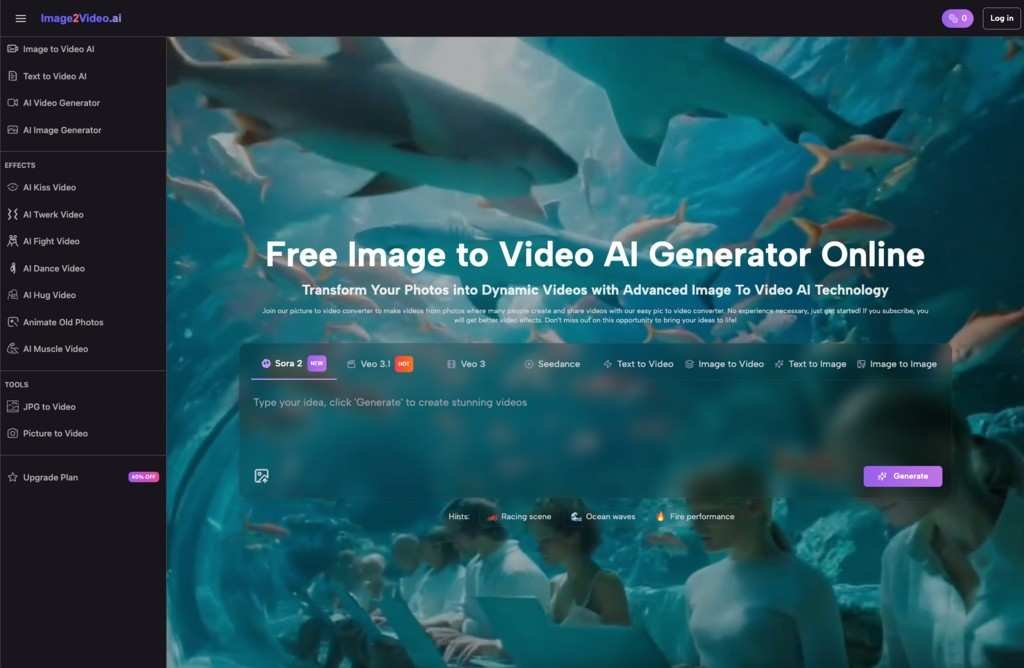
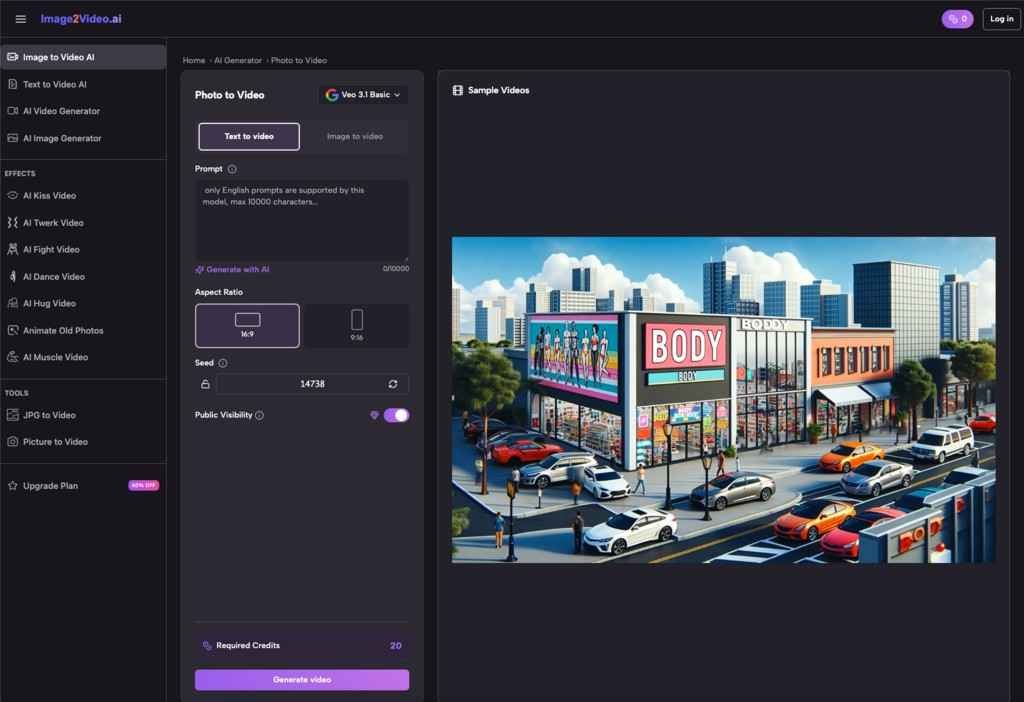
If you are approaching a Photo to Video AI tool for the first time, the interface usually looks deceptively simple. You upload a file, perhaps type a text prompt to guide the motion, and wait.
The misconception is that the AI understands the intent of the photo. In reality, it understands the data of the photo. It sees contrast, edges, and recognizable shapes. When it attempts to generate frames between the start and the end, it is effectively hallucinating motion based on patterns it has learned.
Experienced users quickly realize that “perfect animation”—a phrase often used in product descriptions—is rarely achieved on the first try. It is almost always a game of volume and iteration.
In a practical workflow, you might generate four or five variations of the same Image to Video conversion just to find one where the movement feels natural. One version might have too much camera shake; another might distort a face. The third one, however, might catch the light just right, creating a subtle, looping motion that elevates the original image without breaking the illusion of reality.
Success here isn’t about mastery of complex controls. It is about the willingness to curate. You become an editor of possibilities rather than a creator of specifics.
Why Your Source Image Matters More Than the Prompt
When using a picture to video converter, the quality of the output is inextricably linked to the quality of the input. This sounds obvious, but the specific type of quality matters.
AI video generators tend to struggle with ambiguity. If you upload a low-resolution image with muddy details, the AI has to invent pixels to create motion. This often leads to the “shimmering” effect common in early AI video, where textures seem to boil or morph.
Conversely, high-resolution images with clear depth of field often yield better results. When the AI can clearly distinguish the subject from the background, it can more easily apply motion to one without warping the other.
What tends to happen in real-world testing:
- Landscapes and Scenery: These are often the “safest” bets for beginners. Clouds moving, water flowing, or trees swaying are forgiving motions. If the AI gets it 10% wrong, it still looks like nature.
- Human Subjects: This is the high-risk, high-reward zone. A Photo to Video conversion of a person requires the AI to understand anatomy. If the motion is too aggressive, faces can distort. The best results usually come from subtle movements—a blink, a slight head turn, or a smile—rather than full-body action.
- Abstract Art: AI excels here. Because there are no “rules” for how an abstract shape should move, the hallucinations of the software often look like intentional artistic choices.
Strategists using these tools for social media content often find that “less is more.” A static product shot with a simple, subtle light flare or background drift is often more effective—and easier to achieve—than trying to make a product fly across the screen.
Interpreting “Quality” in an AI Context
The term “quality” in the context of Image to Video AI is subjective. Tools often claim to “increase AI photo to video quality,” but what does that mean practically?
Usually, it refers to coherence. A high-quality generation is one where the object remains consistent throughout the clip. It doesn’t grow an extra limb or change color halfway through the second second.
However, there is another layer to quality: resolution and frame rate. Many free or entry-level tools may generate video that looks great on a phone screen but falls apart on a desktop monitor. This is a critical consideration for where the content will live.
If you are building assets for TikTok or Instagram Reels, the compression algorithms of those platforms might hide some of the AI’s imperfections. The slight blur or grain might even add a desired aesthetic texture. But for a website header or a YouTube intro, those same imperfections can look unprofessional.
Evaluating a tool isn’t just about “does it move?” It’s about “does it hold up?” Users often find themselves running a generated video through a secondary upscaling tool or overlaying film grain in a video editor to mask the digital smoothness that betrays the video’s AI origins.
The Role of Curation in Photo to Video Workflows
The most underrated skill in the AI era is not prompting; it is curation.
Because Image to Video tools can generate options faster than a human could ever animate them manually, the bottleneck shifts. The work is no longer about the hours spent keyframing motion in After Effects. The work is now the ten minutes spent watching six different variations to spot the one that feels “human.”
This shift changes how creative teams work. A designer might spend the morning generating thirty variations of a campaign visual. The afternoon is then spent selecting the best three.
Key observations from daily use:
- The “Uncanny Valley” Check: You might love a video for the first three seconds, only to notice a background element warping in the fourth second. You have to watch the entire clip, closely.
- Loopability: For social media, a video that loops seamlessly is gold. Some tools are better at this than others. Finding a generation that starts and ends on a similar frame can double the utility of the asset.
- Artifact Blindness: After staring at AI videos for an hour, you might stop noticing the weird glitches. It is crucial to step away and come back with fresh eyes, or ask a colleague, “Does this look weird to you?”
When to Use It (and When to Stick to Stills)
Despite the excitement, not every image needs to be a video. The hype cycle often pushes creators to animate everything, but that can lead to motion sickness rather than engagement.
Image to Video AI is best deployed when the motion adds narrative value.
- Does the movement highlight a specific feature of the product?
- Does the ambient motion set a mood that the static photo couldn’t achieve?
- Is the motion necessary to stop the scroll?
If the answer is no, a high-quality static image is often superior to a mediocre AI video.
However, when the use case fits, these tools are incredibly powerful for “unblocking” creativity. They allow you to storyboard ideas in motion without a budget. You can visualize how a scene could look before committing resources to a real video shoot. You can breathe life into archival photos that have sat static for decades.
The Verdict on the Workflow
Ultimately, the current generation of Image to Video technology represents a new medium. It is not quite photography, and it is not quite traditional videography. It is a hybrid format that requires a hybrid mindset.
For the beginner, the advice is simple: lower your expectations for “perfection” and raise your appreciation for “happy accidents.” The tool is a generator, not a mind reader.
If you approach it as a way to rapidly test concepts and create engaging, short-form visual noise, you will find immense value. If you expect it to replace a professional animator for complex, specific tasks, you will likely end up frustrated.
The magic isn’t in the tool doing everything for you. It’s in the tool giving you a starting point that you never would have thought of on your own.