
When people first hear about tools like MakeShot, an all-in-one AI studio for generating professional-grade videos and images, there’s often a mix of excitement and inflated expectations. The promise of creating polished visuals with minimal effort feels like a creative superpower, especially for beginners who lack technical skills or experience in video production. But as with most tools that sound too good to be true, the reality of using AI video generators is a little more nuanced.
This article isn’t about hyping up MakeShot or AI tools in general. Instead, it’s a grounded look at what it’s like to approach AI-assisted workflows for the first time—what works, what doesn’t, and where human judgment still matters.
The Initial Appeal: “It’ll Do Everything for Me”
The first thing most beginners assume about AI video generator is that it will handle everything flawlessly. You type in a prompt, hit “generate,” and voilà—a ready-to-use, professional video appears. In reality, the process is rarely that clean.
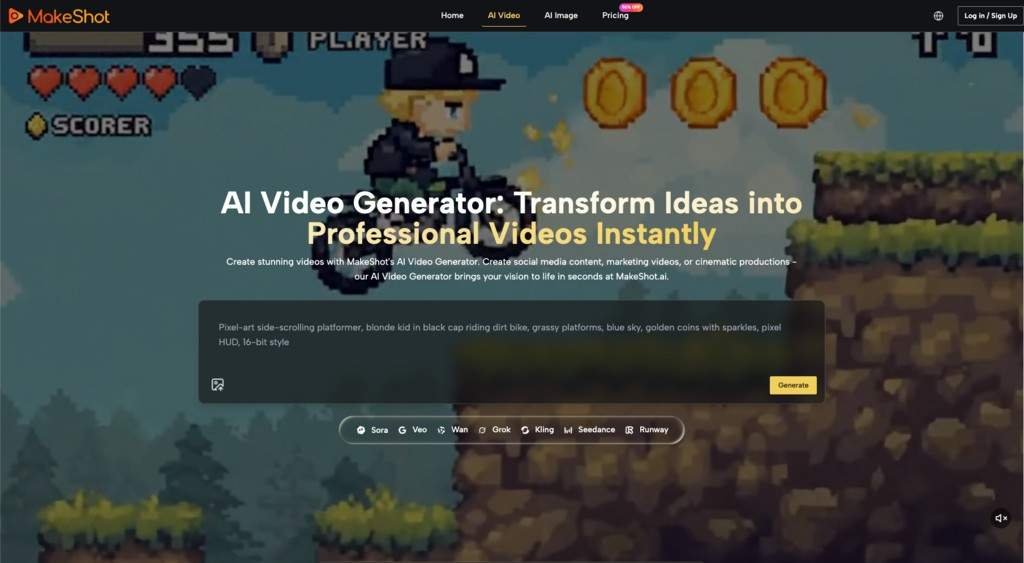
What happens more often is this: you start with a vague idea of what you want, type in a prompt like “create a 30-second promotional video for a coffee shop,” and then wait for the AI to deliver something magical. When the results come back, there’s usually a moment of surprise—sometimes delight, sometimes confusion. The video might look impressive at first glance, but on closer inspection, you notice odd transitions, awkward timing, or visuals that don’t quite match your vision.
This is where many first-time users hit a wall. They realize that while AI tools like MakeShot can be powerful, they’re not mind readers. The quality of the output depends heavily on how well you guide the tool. If your prompts are vague or overly ambitious, the results will reflect that.
The Learning Curve: Finding the Right Balance Between AI and Human Input
After the initial excitement wears off, most users start to see AI video generation as a collaborative process rather than a one-click solution. The learning curve isn’t about mastering the tool’s technical features—it’s about learning how to communicate with it.
What Beginners Often Misjudge
- The Importance of Specificity
Vague prompts lead to vague results. For example, asking the AI to “make a video about summer vibes” might produce generic visuals that feel more like placeholders than a finished product. But if you specify “a 15-second video showing a beach sunset, people laughing around a bonfire, and text that says ‘Summer Sale,’” you’re more likely to get something usable.
- The Role of Editing
AI-generated videos often need tweaking. While MakeShot can handle a lot of the heavy lifting, it’s not uncommon for users to spend time adjusting transitions, refining text overlays, or even reordering scenes to better fit their vision. This isn’t a failure of the tool—it’s just the nature of creative work. AI can give you a strong starting point, but the final polish still requires a human touch.
- The Limits of AI Creativity
AI excels at generating content based on patterns it has learned, but it doesn’t truly “understand” creativity. This means it might struggle with abstract concepts, nuanced storytelling, or highly specific brand aesthetics. Beginners often expect the AI to “get it right” on the first try, but experienced users know that iteration is key.
Where AI Speeds Things Up—and Where It Slows You Down
One of the biggest advantages of tools like MakeShot is speed. For certain tasks, AI can save hours—or even days—of work. But it’s not a universal time-saver. Depending on your goals, there are areas where AI can actually create extra work.
Where AI Shines
- Rapid Prototyping
Need to pitch a concept to a client or test a creative idea? AI video generators are fantastic for creating quick, rough drafts. Instead of spending hours manually editing footage or designing graphics, you can generate a visual starting point in minutes.
- Simple, Repetitive Tasks
If you’re creating multiple variations of a video for A/B testing or social media, AI can automate much of the grunt work. For example, you could generate several versions of a product demo with different text overlays or aspect ratios.
- Inspiration and Ideation
Staring at a blank screen is one of the hardest parts of any creative process. AI tools can help by generating ideas you might not have thought of on your own. Even if the output isn’t perfect, it can spark new directions.
Where AI Can Add Friction
- Revisions and Fine-Tuning
The first draft of an AI-generated video is rarely the last. Beginners often underestimate how much time it takes to refine the output. Adjusting pacing, fixing awkward transitions, or replacing mismatched visuals can sometimes take longer than expected.
- Learning the Tool’s Quirks
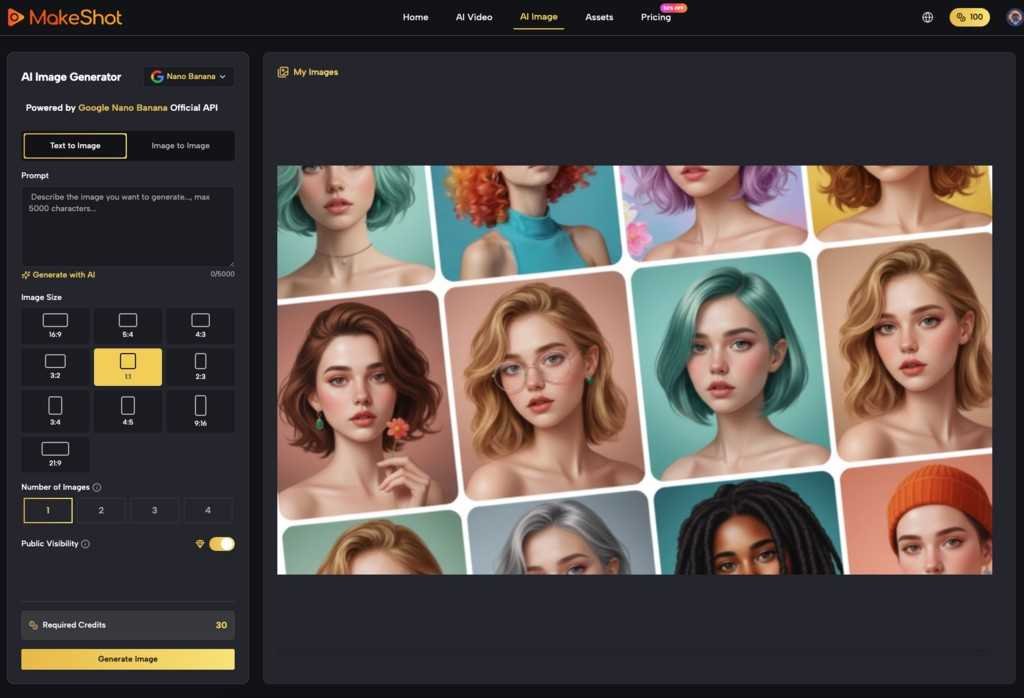
Every AI platform has its own strengths and limitations. MakeShot, for example, is powered by Veo 3, Sora 2, and Nano Banana—names that sound impressive but don’t mean much to a beginner. It takes time to understand what the tool excels at and where it might struggle.
What You Can’t Expect AI to Do (Yet)
It’s important to remember that AI video generators are tools, not magic wands. They’re great at automating certain tasks, but they’re not a substitute for human creativity, strategy, or judgment.
Here are a few things AI can’t do (at least, not yet):
Understand Your Audience
The AI doesn’t know your brand’s voice, your target audience, or the emotional tone you’re trying to convey. It can guess based on your prompts, but the responsibility for ensuring the video aligns with your goals falls on you.
Replace Human Storytelling
Storytelling is inherently human. While AI can piece together visuals and text, it doesn’t understand narrative flow, emotional arcs, or the subtleties of pacing. These are areas where your input is essential.
Guarantee Originality
AI generates content based on patterns it has learned from existing data. While the results might look fresh, they’re not truly original in the way human-created content is. If originality is a top priority, you’ll need to put in extra effort to customize the output.
A Realistic Approach to Early Adoption
For anyone new to AI video generation, the key is to approach it with realistic expectations. Think of MakeShot as a collaborator rather than a replacement. It’s there to help you work faster and explore new creative possibilities, but it’s not going to replace the need for your input, judgment, and expertise.
Here are a few tips for getting started:
- Start Small
Instead of tackling a complex project right away, experiment with simple tasks like creating a short social media clip or a basic product showcase. This will help you get a feel for the tool without feeling overwhelmed.
- Embrace Iteration
Don’t expect perfection on the first try. Use the AI to generate a rough draft, then refine it until it meets your standards. Over time, you’ll learn how to write better prompts and guide the tool more effectively.
- Focus on What Matters
AI tools can produce a lot of content quickly, but quantity isn’t the same as quality. Be selective about what you use and always keep your audience in mind.
The Takeaway: AI Is a Partner, Not a Shortcut
AI video generators like MakeShot have the potential to transform how we create visual content—but only if we use them wisely. For beginners, the journey often involves a mix of excitement, trial and error, and occasional frustration. The real value of these tools isn’t in their ability to replace human creativity, but in how they can amplify it.
If you’re willing to put in the time to learn, experiment, and refine, MakeShot can be a powerful ally in your creative workflow. But if you’re expecting it to do all the work for you, you might find yourself disappointed. The decision to adopt AI isn’t about whether the tool is perfect—it’s about whether it helps you create something meaningful, faster. And that’s a question only you can answer.